Turn Your Backyard into Must-Watch Entertainment
Discover, identify and enjoy the birds visiting your backyard, even when you’re not watching, with Kaytee Smart Feeders.
Why Kaytee Smart Bird Feeders?
Great bird watching starts with bringing birds to your backyard. Kaytee Smart Feeders combine thoughtfully designed feeders, trusted Kaytee bird food and smart technology to help you attract, watch, identify and enjoy your backyard visitors—all in one connected experience.
Good Thing Your Smart Feeder Was.
Attract Wild Birds
Start with trusted Kaytee bird food and a thoughtfully designed feeder made to bring birds to your backyard. The Seed & Suet Kit lets you offer both seed and suet, giving backyard visitors more reasons to stop by.
Watch Every Moment
Never miss a backyard visitor. Motion detection captures the action, while the 2K camera lets you watch vivid footage in the Kaytee Smart Feeder App—even when you aren't there to see it happen.
Identify Birds with
AI-Powered Software
Put a name to who's stopping by. AI-powered bird identification recognizes 11,000+ species, helping you discover and learn more about your backyard visitors.
Enjoy with the Community
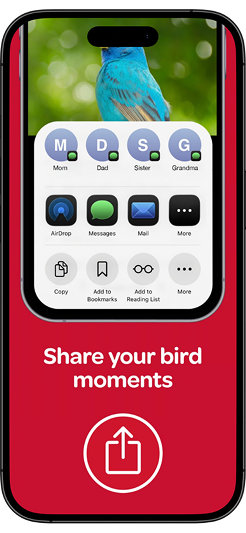
Enjoy the moments you might have missed. Save and revisit photos and videos in the Kaytee Smart Feeder App, then share your favorite backyard visitors with friends and family.
Everything You Need to Start Smart Bird Feeding
Kaytee Smart Feeders bring together the feeder, food and app to get you watching from day one. Choose the feeding experience that
fits your backyard, set up your feeder, connect to the Kaytee Smart Feeder App, and see who shows up.
Smart Hummingbird Feeder & Nectar Kit
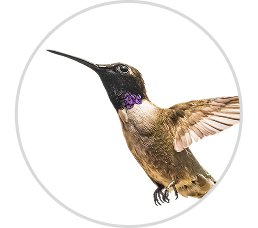
The Kaytee Smart Hummingbird Feeder & Nectar Kit brings feeding, observing and identifying hummingbirds together in one easy and uniquely designed experience. With a kit that includes Kaytee ElectroNectar and a hummingbird filling funnel, you can get started watching the fan-favorite tiny birds right away.
Need A Refill?
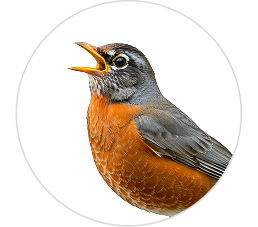
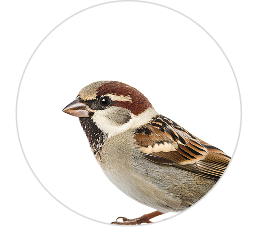
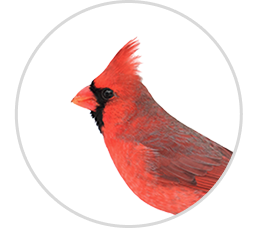
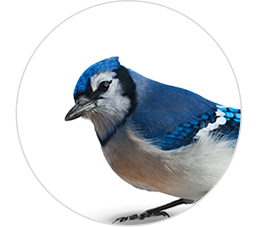
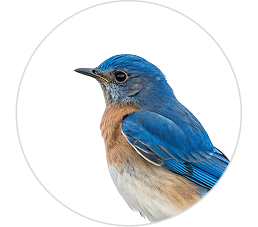
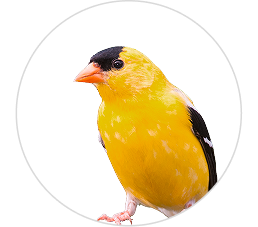
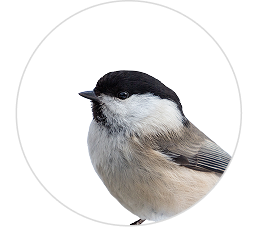
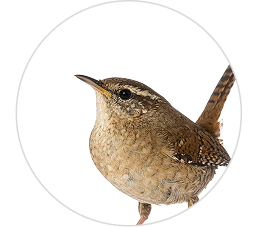
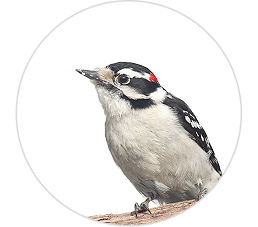
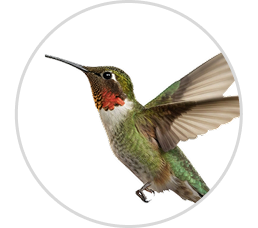
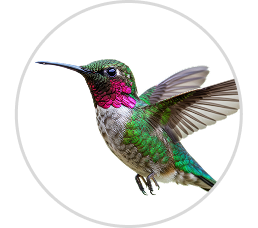
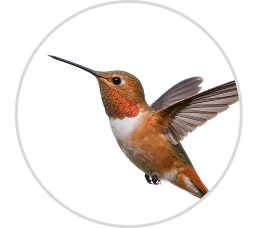
Who Might Show Up
*Dependent on regionÂ
Smart Technology. More Ways to Enjoy the Birds.
Kaytee Smart Feeders make it easy to see what's happening in your backyard, even when you're not watching. The camera and Kaytee Smart Feeder App work together to help you watch, identify, save and share your backyard bird activity, with smart features designed to be easy to use from day one.

Smart Bird
Feeder App
Stay connected to your backyard through the Kaytee Smart Feeder App. Watch visiting birds, identify species, learn more about them, and save and share your favorite moments with ease.
Enjoy the View. Skip the Subscription.
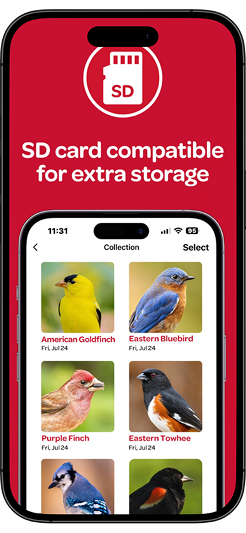
Enjoy the entire Smart Feeder experience without any required subscription so you can keep watching birds nonstop. An included 32 GB card provides local photo and video storage, plus enjoy a free 3-day cloud storage loop.
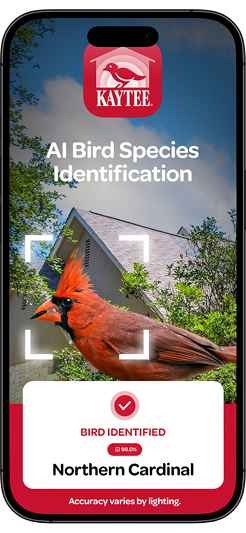
AI Bird Identification
Wondering who's stopping by? Kaytee AI-powered bird identification recognizes 11,000+ bird species, helping you put a name to your backyard visitors and creating more moments to learn about the birds you see.
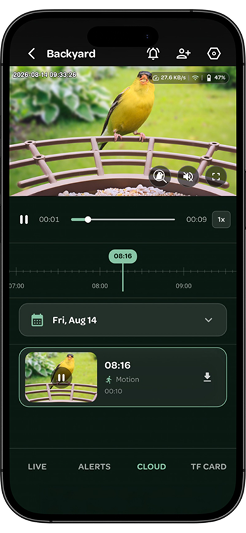
2K Smart Bird
Feeder Camera
See your backyard visitors in vivid detail with a camera designed for sharp images and live viewing functionality that ensures you never miss another bird.
150 Years of Bird Feeding Expertise. Now Smarter.
For 150 years, Kaytee has been helping people bring more birds to their backyards. That experience shapes every detail of our Smart Feeders, from the feeder and trusted Kaytee food that keeps birds coming back, to the smart technology of the combined camera and app that lets you enjoy the moments you might otherwise miss. It all works together to make smart bird feeding simple from day one.
Birding for the Fall
Getting Started with Your Smart Feeder
Your one stop shop for all feeder tips. Explore our collection of video guides for quick and easy help on any aspect of getting your
Kaytee Smart Feeder established, so you can spend more time watching birds.Â
Start Here: Get to Know Your Kaytee Seed & Suet Smart Feeder
Start Here: Get to Know Your Kaytee Hummingbird Feeder
Connect & Pair Your Kaytee Smart Feeder
Seed & Suet: Assemble, Install, & Position
Hummingbird: Install & Position for the Best Experience
Seed & Suet: Fill, Clean & Care
Hummingbird: Fill, Refill & Keep Nectar Fresh
Get to Know Your Kaytee App (Ul Screen Option)
Get to Know Your Kaytee App (Phone with Greenscreen Option)
Smart Feeder Troubleshooting: Quick Fixes
Smart Feeder Questions, Answered.
Getting Started
Bird feeder setup is easy. Start by fully charging the smart feeder battery. Once charged, connect the bird feeder solar-panel cable, then press and hold the Power button to turn the feeder on. Next, download the Kaytee Smart Bird Feeder App from the Apple App Store or Google Play- you scan the QR code in your packaging to be taken directly to download. Open the app, create your free Kaytee account, and tap “Add Device” to pair the feeder to your home Wi-Fi. The whole process takes just a few minutes, so you can start watching birds with your new AI bird feeder in no time!
The Kaytee Smart Feeder is a bird feeder without subscription costs. Right out of the box you’ll get access to all the core features, including AI bird recognition, live 2K HD video, local recordings, motion alerts, 3-day rolling cloud storage, and multi-user sharing — all at no additional cost. If you ever want more than 3 days of cloud storage, optional plans are available in the app, but the core experience is yours for free.
With each Kaytee Smart Feeder kit, no extra tech purchases are needed. Both feeders come with a 32 GB microSD card installed in the smart bird feeder camera. You also receive 3 days of rolling cloud storage included at no extra charge. To watch any of your footage, simply open the app and tap Browse Memory Card for local clips, or Browse Cloud Recordings for cloud-saved video.
On a full charge, expect approximately 2-4 weeks of battery life, with additional time if the solar powered bird feeder receives strong daily sunlight. Both bird feeders include a dual 5 W solar powered panel that trickle-charges the camera battery whenever the sun is shining, helping extend the time between manual charges.
Product Care
Regular cleaning keeps your birds healthy and your camera footage sharp.
Smart Bird Feeder Seed & Suet Kit:Â
Remove the feeder cover, unscrew and empty the hopper, then remove the perch and feeder tray. The food container, base, and perch can all be washed with water. Wipe the camera and roof with a damp cloth only — never soak or submerge any electronic components. Allow everything to dry fully before reassembling.
Smart Hummingbird Feeder & Nectar Kit:Â
Empty old nectar regularly — especially in hot weather where it may ferment quickly. Wipe the exterior and camera lens with a damp cloth. Never soak or submerge any electronic components. Allow everything to dry fully before reassembling.
For both feeders, it is recommended you wipe the camera lens and solar panel at least once a week to keep your images clear and charging efficient.
Each Kaytee Smart Hummingbird Feeder comes with a bottle of Kaytee ElectroNectar to get you started. The reservoir holds up to 14 oz, and you can order more ElectroNectar here.
Ants and bees are two of the most common backyard birding challenges for keeping your feeder welcoming for hummingbirds. Here's what helps:
Ants
Kaytee Smart Hummingbird Feeders feature an ant-moat at the base of the feeder that can be filled with water to prevent ants from crawling up towards the nectar holes.Â
Bees
Ensure that your feeding ports are not leaking or dripping any excess nectar. Even slightly repositioning the feeder can discourage bees without disturbing your hummingbirds.
The Smart Bird Feeder Seed & Suet Kit accommodates two types of food at the same time:
Seed: Fill the hopper with your favorite Kaytee wild bird seed blend. The feeder holds approximately 3–4 lbs of seed.
Suet: Place a suet cylinder into the suet cage and latch the cover securely.
Using trusted Kaytee seed blends and suet will provide you the best quality and results.
It is recommended you change the nectar every 2–3 days in mild weather, and every 1–2 days when temperatures exceed 80°F, as strong heat can speed up fermentation. Always rinse the feeder before refilling, and replace nectar more frequently if you notice it becoming cloudy or discolored.
The best time to put out your Kaytee Hummingbird Smart Feeder is about 1–2 weeks before hummingbirds typically arrive in your area for the spring, usually late March through early May — check local birding resources for your region’s timing. You can bring your feeder indoors once you have not spotted a hummingbird for 2 consecutive weeks. Keeping the feeder up can provide vital energy for late-season travelers passing through your yard.
Tech Support
Yes, a Wi-Fi connection is what powers the incredible Kaytee Smart Feeder features: live video streaming, motion alerts, AI bird identification, and cloud storage sync. Both feeders support standard 2.4 GHz and 5 GHz home Wi-Fi networks. Note that public, hotel, and enterprise networks are not supported.
The Kaytee app supports iOS 10.0 or later and Android 5.0 or later. To use your bird feeder with the app, make sure Bluetooth is turned on during setup and your phone is connected to your home Wi-Fi — not cellular data.
Start with the battery, making sure it’s charged by connecting a USB-C cable and checking the indicator light.Â
Solid red = charging
Solid green = full charge
If the battery is charged but still unresponsive, press the Power button twice to reset the camera.Â
For connection issues, press and hold the Reboot/Re-pair button to restart pairing, then select “Add Device” in the Kaytee app to reconnect.Â
Still having trouble? Give our team a call at 1-800-255-4527 or visit www.kaytee.com for support getting your feeder set up or how to use the bird feeder app.
This is usually a Wi-Fi signal issue. Thick walls, long distances from your router, and router instability are the most common causes. Here’s what you can try to reconnect Wi-Fi to your bird feeder:
Restart the feeder by pressing the Reboot/Re-pair button.
Restart your router.
Move the feeder closer to your router if signal strength seems to be weak.
If your feeder is still not connecting, use the “Add Device” flow in the app to re-pair.
You can also give our team a call at 1-800-255-4527 or visit www.kaytee.com for extra support on how to use the bird feeder app.
The identification AI in the bird feeder will detect bird visits, send you motion alerts, and save activity recordings automatically. To view a bird identification in the app, just tap the bird and access all information on your bird visitor. Browse your full sightings history anytime in the Kaytee Gallery, and even share your favorite moments with the Kaytee community.